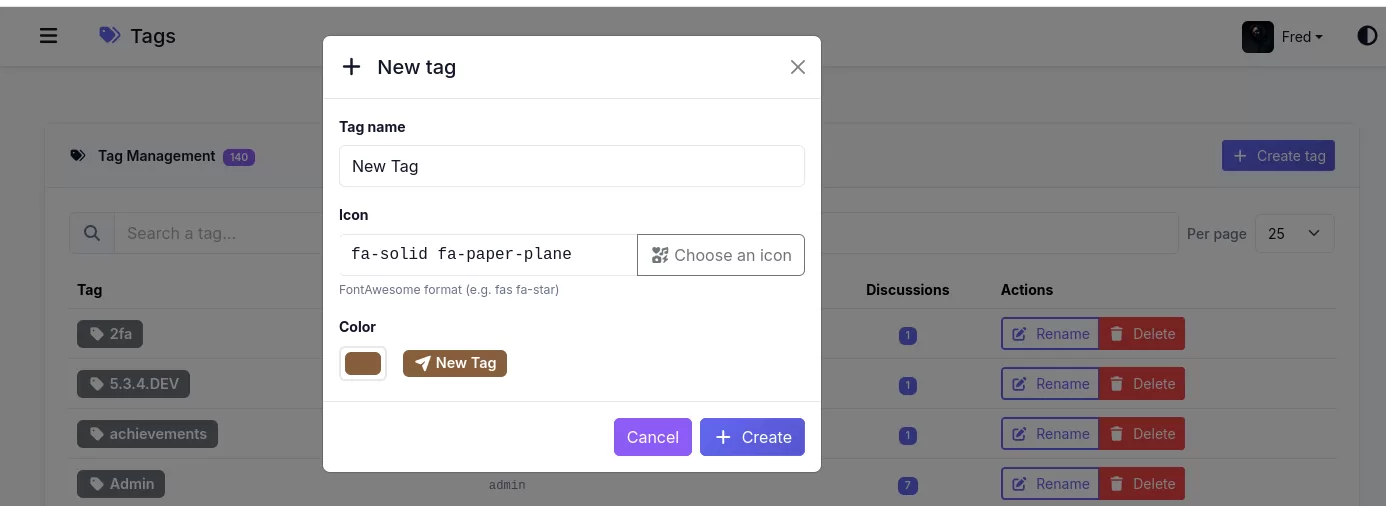
Creating Tags
Tags do not have a dedicated Create Tag page. Instead, they are created directly from the Tags field when creating a new discussion or editing an existing one.
- Start typing a tag name (at least 2 characters).
- If the tag does not already exist, a "Create this tag" option will appear.
- Click the option (or press Enter) to create the tag and automatically attach it to the discussion.
Note: The Admin → Tags page only displays existing tags and allows administrators to rename or delete them.
Troubleshooting
If you do not see the "Create this tag" option, it is usually a permissions issue.
Creating tags requires the tag.create permission, which is typically granted to Members but not to Guests by default.
An administrator can review and update this permission under:
Admin → Permissions
and ensure that the appropriate user group has the tag.create permission enabled.